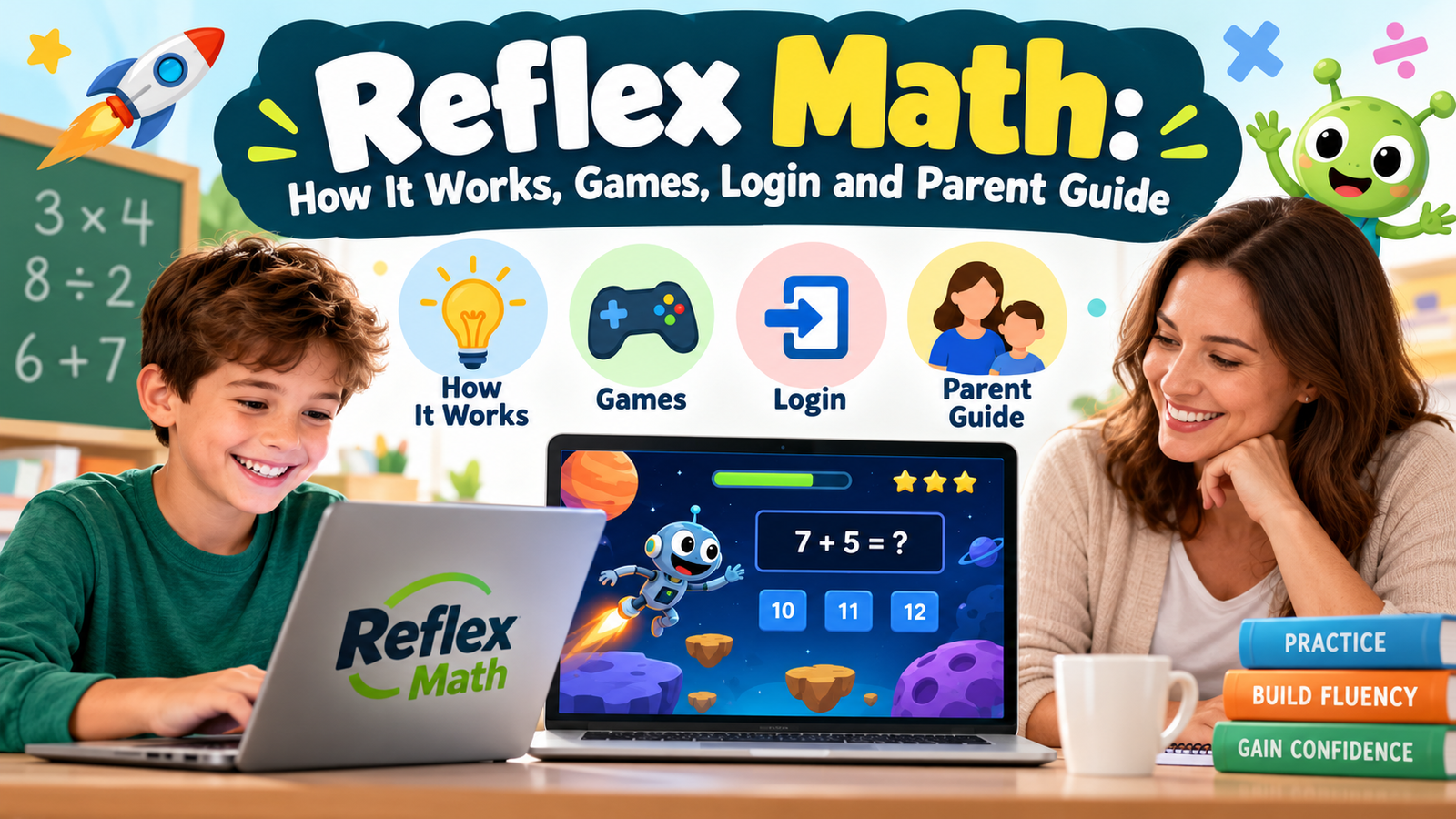
Reflex Math is an adaptive, game-based learning program that helps students practise addition, subtraction, multiplication and division facts. It combines assessment, coaching and practice to strengthen accurate, automatic recall. The program primarily serves students in grades 2–6, although older learners who need additional fact practice may also benefit.
For families, the main questions are practical: How does a child log in? What does the Green Light mean? Is a subscription necessary? This guide explains those details and how to make practice useful without turning every session into a race.
What Is Reflex Math?
Reflex Math is an online math fact fluency program from ExploreLearning. Its focus is helping students become more confident with basic arithmetic facts through personalised practice.
A math fact is a basic calculation such as:
- Addition: 7 + 8 = 15
- Subtraction: 15 − 8 = 7
- Multiplication: 6 × 4 = 24
- Division: 24 ÷ 6 = 4
Reflex adjusts practice according to the learner’s responses. Rather than giving every child an identical sequence of questions, it continuously monitors progress and adapts the facts presented.
Its scope matters. Reflex is a focused practice resource, so families should use it alongside lessons that teach mathematical ideas, reasoning and problem-solving. A child still needs opportunities to explain answers, work with objects and drawings, and apply calculations to everyday situations.
What Is Math Fact Fluency?
ReflexMath fact fluency means recalling basic arithmetic facts accurately and efficiently. Automaticity develops when familiar answers come to mind with little deliberate effort.
For example, a learner might initially work out 4 × 6 by counting four groups of six. With understanding and practice, the learner can eventually recall 24 directly.
Both stages have value. Counting, grouping and using known facts help children understand the calculation. Fluent recall then makes that calculation less demanding when it appears inside a larger problem.
Consider 36 × 7. A student who already knows 6 × 7 = 42 can devote more attention to place value and the multiplication process.
However, fast answers alone do not demonstrate complete mathematical understanding. Occasionally ask, “How do you know?” A useful response might involve an array, a number line or a related fact.
How Does Reflex Math Work?
Reflex brings assessment, coaching and game-based practice into one adaptive system. It also uses fact families to reinforce connections between operations.
Assessment and personalised practice
The program monitors student responses to decide what practice is appropriate. This helps learners work on facts that still need attention while continuing to develop fluency.
For adults, the practical lesson is simple: let children answer independently. Giving answers may make a session look more successful, but it makes the work less representative of what the child can do.
Learning through fact families
A fact family connects related calculations. For example:
| Operation | Related fact |
|---|---|
| Multiplication | 3 × 8 = 24 |
| Multiplication | 8 × 3 = 24 |
| Division | 24 ÷ 3 = 8 |
| Division | 24 ÷ 8 = 3 |
These relationships give adults a useful way to extend practice away from the screen. Ask a child to explain how one known fact helps solve another.
Games and progress reporting
Reflex combines its learning activities with games and provides reporting so educators and parents can monitor progress. Its purpose is to make repeated practice engaging while giving adults information about fluency development.
What Games Are Available in Reflex?
According to the official game guide, students begin with access to Ninja to the Stars and Wind Rider. Further games become available through progress.
Students can also earn tokens and use them in the Reflex Store for items such as avatar accessories and Progress Tree decorations. These rewards support continued participation in practice.
For parents, the useful distinction is between enjoying the game and developing the skill. A child may be excited about a new decoration, but the learning conversation can still focus on questions such as:
- Which facts felt easier today?
- Did you notice any connections between answers?
- Which calculation would you like to practise together?
Avoid making game rewards the only measure of success. Independent effort and growing confidence deserve recognition too.
What Does the Reflex Green Light Mean?
The Green Light indicates that a student has completed the program’s daily practice requirement. It depends on correctly answering facts, rather than simply remaining logged in for a set amount of time.
ExploreLearning advises students to reach the Green Light at least three days per week. Its guidance says students typically achieve it within 10–20 minutes of focused use, although individual sessions vary.
The Green Light is a daily goal. If a student does not reach it during an earlier session, they can return later that day and build on their progress.
Treat that time range as guidance, not a deadline. If a child regularly becomes frustrated or takes much longer, speak with the teacher about the assigned work and any support needed.
Reaching the Green Light also does not mean every fact has been mastered. It marks daily practice completion; fluency develops across sessions.
Reflex Math Login: How Students Sign In
The safest starting point is the school-provided link or the.
For the standard student login process:
- Select Student Login.
- Enter the teacher’s username.
- Choose the student’s class.
- Select the student’s name.
- Choose the product if prompted.
- Enter the student’s password.
The official instructions direct students to contact their teacher if they do not know the teacher’s username, class name or password.
Some schools use single sign-on through a school platform. In that situation, follow the school’s instructions instead of trying to create a separate account.
What if the login does not work?
Check that:
- The Student Login option is selected.
- The teacher’s username is entered correctly.
- The correct class and student name are selected.
- A parent account is not still signed in on the same browser.
Parent reporting accounts do not provide access to student coursework. If the details appear correct and access still fails, contact the teacher, who manages the student’s account and assignments.
Is Reflex Math Free?
Reflex is a subscription service, with a 30-day free trial advertised for educators. School pricing varies according to subscription type and student numbers; the official website directs buyers to request a quote.
Families should distinguish between two access routes:
| Situation | What to do |
|---|---|
| Your child already has a school account | Ask the teacher for home-access instructions before purchasing anything. |
| You want an independent home subscription | Review Time4MathFacts, the home-user purchasing route identified by the provider. |
| You are purchasing for a school | Request current Reflex pricing and licence details. |
What Age Group Is Reflex Math For?
ExploreLearning describes Reflex as primarily designed for grades 2–6, with potential use for older students who need intervention or additional practice.
Readiness matters more than a grade label alone. The provider notes that students should develop basic connections between addition, counting and quantities before starting Reflex in grade 2.
For readers outside the United States, school-year names may differ. Focus on the child’s current understanding and the arithmetic being taught rather than matching grade numbers exactly.
A learner who cannot yet explain what multiplication means may need practical work with equal groups before intensive multiplication fact practice becomes useful.
How Parents Can Support Practice at Home
A calm, predictable routine makes it easier to see whether practice is helping.
Keep sessions consistent
Choose regular times that fit the teacher’s expectations. Avoid saving all practice for one long session at the end of the week.
Help with setup, not answers
Assist with logging in and understanding instructions. Let the child complete calculations independently so the practice reflects their actual knowledge.
Connect facts to real situations
Use small examples outside the program:
- Arrange 12 objects into three equal groups.
- Share 20 counters equally between four people.
- Ask how knowing 8 + 8 helps with 8 + 9.
These activities connect recalled answers with meaning.
Watch for frustration
If a child becomes upset, pause and identify the difficulty. It might involve the calculation, reading instructions, entering answers or using the device.
Discuss recurring problems with the teacher rather than simply increasing practice time.
Celebrate personal progress
Recognise improvements such as needing fewer prompts or explaining a previously difficult fact. Comparing siblings or classmates can distract from each child’s learning needs.
Benefits and Limitations to Consider
Reflex offers a focused combination of adaptive practice, games and progress reporting. Those features can help adults organise fact practice and keep track of participation.
Its value should still be judged against a clear goal. If the aim is stronger recall of basic arithmetic facts, the program’s focus is relevant. If the main difficulty is understanding fractions, interpreting word problems or explaining mathematical reasoning, additional teaching is necessary.
When reviewing progress, consider more than a dashboard percentage:
- Can the child recall facts away from the screen?
- Can they explain a related calculation?
- Are familiar facts becoming easier?
- Is practice manageable and reasonably positive?
These questions help connect digital activity with learning that transfers to other tasks.
Conclusion
Reflex Math provides structured, personalised practice for students developing basic arithmetic fact fluency. Its games, Green Light goal and reporting features give children a routine and adults a way to follow progress.
Start with the correct school login or home-access option, keep practice consistent, and connect facts with meaningful examples. The most useful outcome is a learner who can recall answers more comfortably and understand how those answers fit into wider mathematics.